

URL
The Agents list
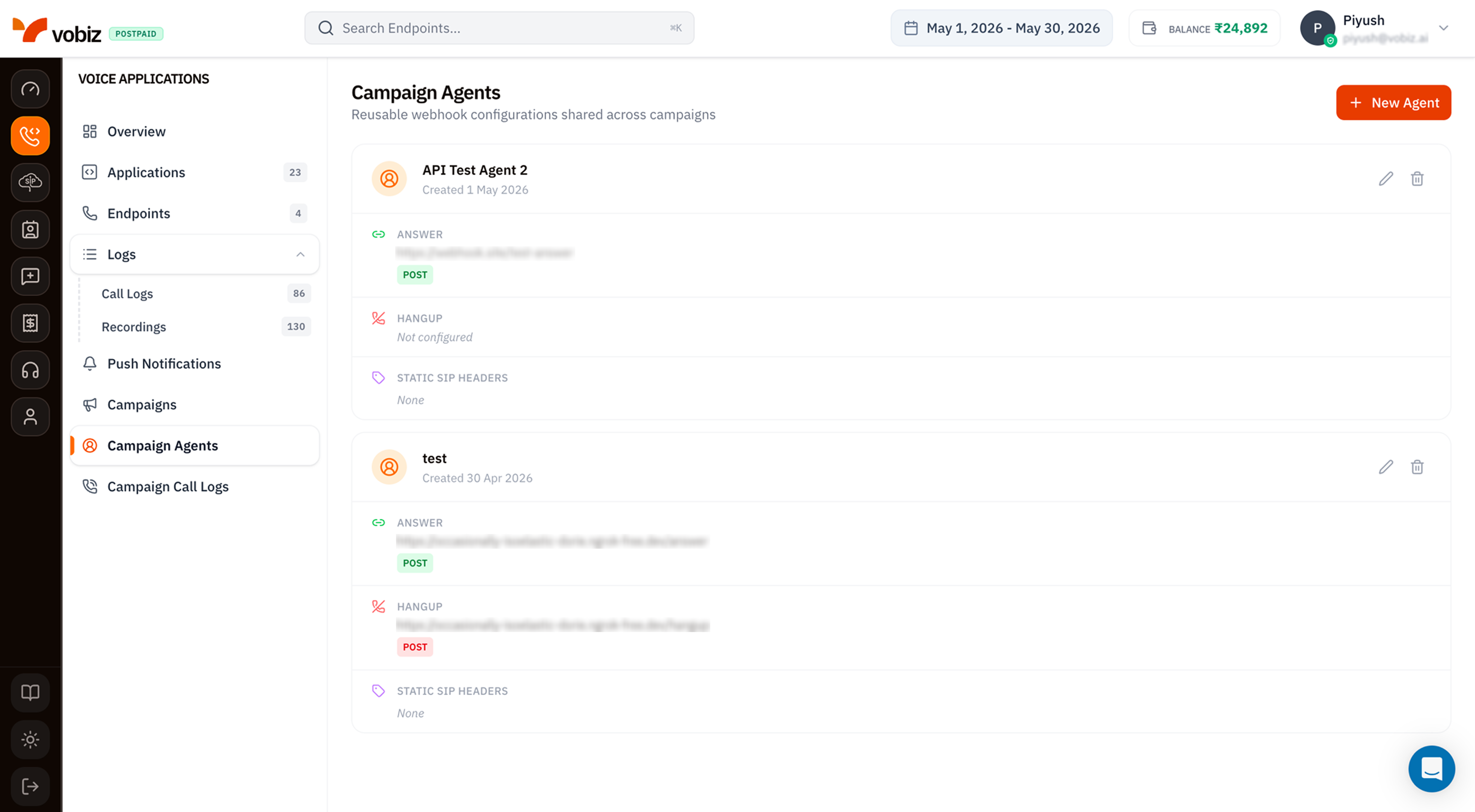
Campaigns - Campaign Agents
The pencil/trash icons on each card let you edit or delete the Agent. Deleting an Agent returns
409 while any linked campaign is running, queued, or paused. Finish, cancel, and archive those campaigns first.
Create a new Agent
Click + New Agent in the top‑right.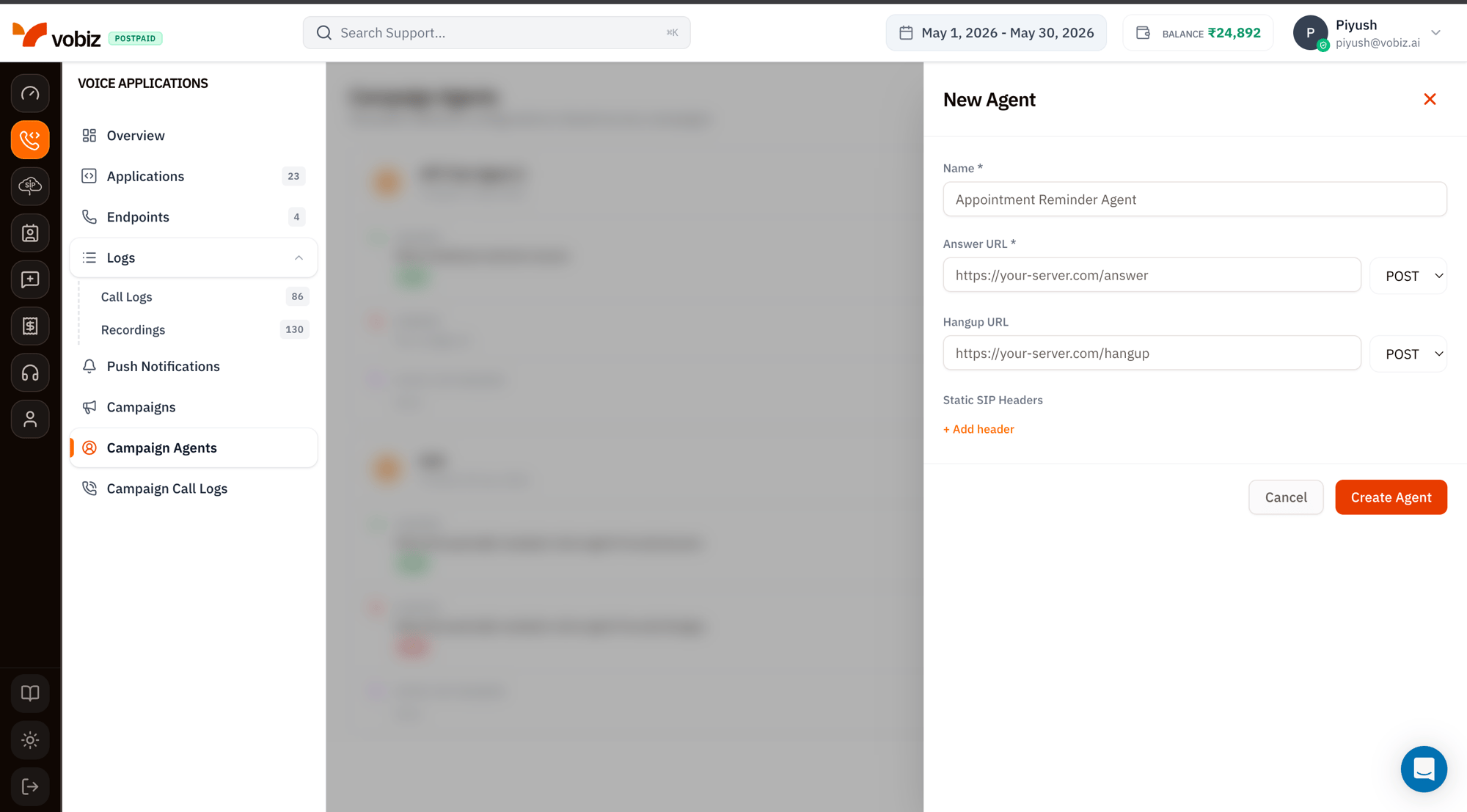
New Agent form
Click Create Agent.
Vobiz takes a frozen Agent snapshot when a campaign launches. Editing the Agent does not change campaigns that are already
running or queued; the changes apply on the next launch.Static SIP Headers - when to use them
The headers you add here are attached to every INVITE Vobiz sends on behalf of campaigns that use this agent. Common patterns:X-Campaign-Source- tag for your downstream PBX or CRM to know the source.P-Asserted-Identity- carrier‑specific identity routing (check with your trunk provider first).X-RingTime- pass a max ring time hint to the receiving system.
Use the Agent in a campaign
Open Campaigns → + New Campaign - the Agent dropdown lists every agent on your account. Pick the one you just made and the rest of the form takes over from there.What’s next
Launch a campaign
Wire this agent into a real outbound run.
XML reference
The XML your Answer URL should return.
Campaign Agents API
Create and manage Agents programmatically.