

URL
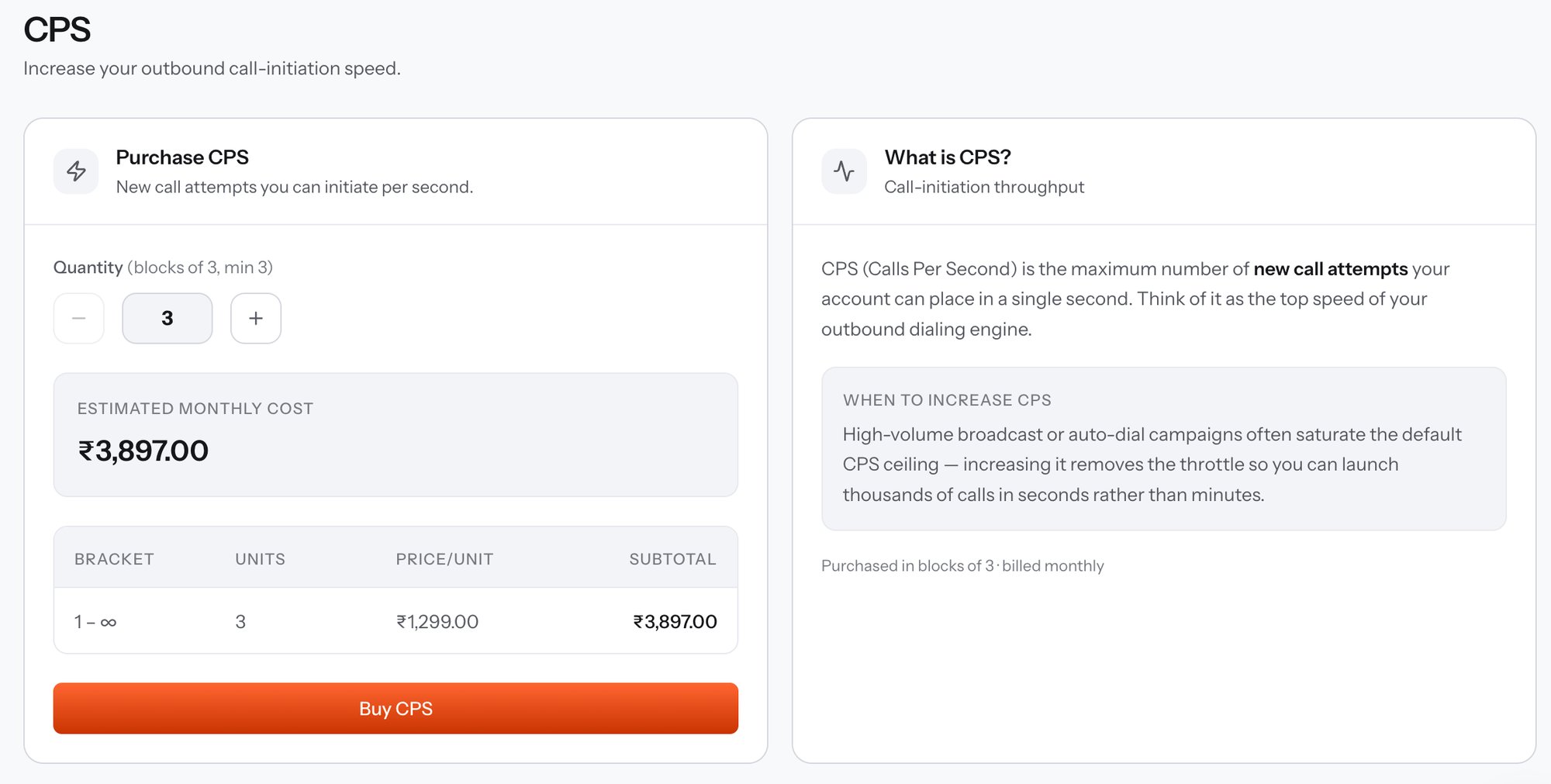
CPS - purchase panel and explainer
When to raise CPS
High-volume broadcast and auto-dial campaigns saturate the default CPS ceiling first. Raising it removes the throttle so a run launches thousands of calls in seconds rather than minutes. The symptom of a CPS ceiling is a campaign that completes correctly but slowly - attempts trickle out at a steady rate no matter how much concurrency is free. If instead callers hit busy signals, concurrency is the limit, not CPS.Buying capacity
Capacity is purchased in blocks of 3 and billed monthly. The first month is charged on purchase, and the subscription then renews on its own cycle until you cancel it from My Subscriptions.
The prices in the screenshot belong to one account’s pricing tier. Your own rate appears in the bracket table as you change the quantity, and Preview capacity pricing returns the same figure over the API without charging anything.
Buy it over the API
Preview capacity pricing
Calculate the monthly price for a CPS quantity without creating a subscription.
Purchase capacity
Create the subscription with
resource_type: "cps" and a quantity.