


 WebRTC
 voice API for browser calling and AI voice agents
Vobiz WebRTC puts a browser tab or mobile app on the phone network. Make and receive calls from a browser and transfer an AI agent's call to a human in another tab, with full call control and observability.
WebRTC docs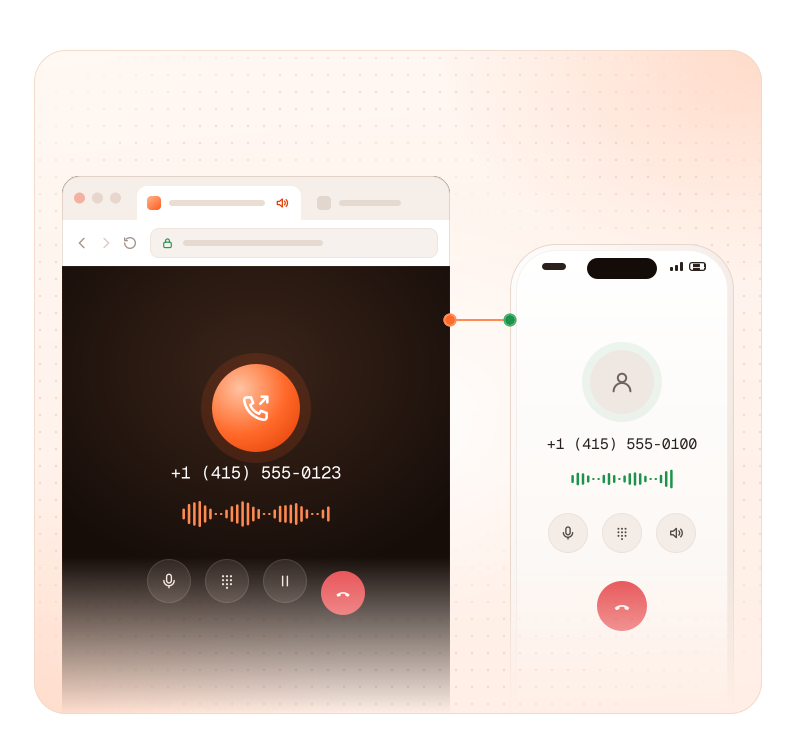


10 min to first call


No install for your callers

DTLS-SRTP encrypted media
43 fields on every call record
How it works
From a browser tab to a live phone call
in four steps
Each person or device gets its own SIP endpoint. Your server creates it, your page registers with it, and every call it makes or takes runs through a Vobiz application you control.



01application





cURL
BASH
1# Create a browser endpoint: returns endpoint_id and its sip_uri2curl -X POST https://api.vobiz.ai/api/v1/Account/$AUTH_ID/Endpoint/ \3 -H "X-Auth-ID: $AUTH_ID" -H "X-Auth-Token: $AUTH_TOKEN" \4 -H "Content-Type: application/json" \5 -d '{"username":"agentmaria","password":"'"$ENDPOINT_PASSWORD"'",6 "alias":"Maria - Support","application":"'"$APP_ID"'"}'

Browser to phone network
WebRTC to PSTN: call any phone from a browser,
and ring a browser from any phone
A browser call on Vobiz is a phone call from the moment it starts. Outbound, it reaches any number with a Vobiz number as caller ID. Inbound, a call to your Vobiz number hits your application, which dials the browser endpoint by its SIP URI.
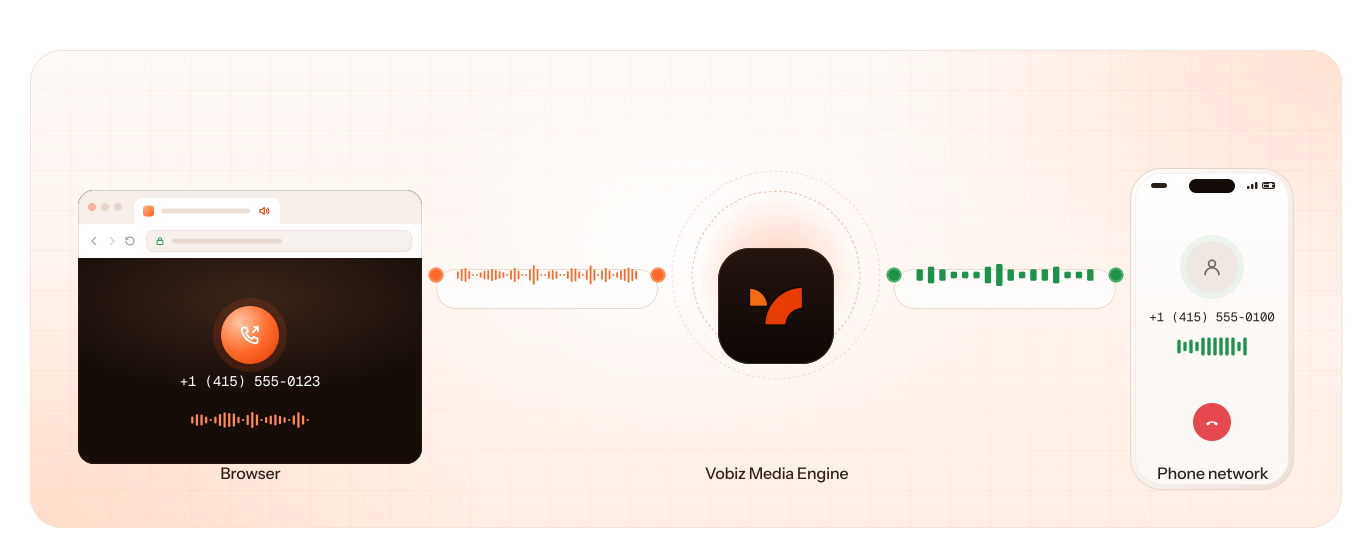

Outbound to any number
— dial from the browser with a Vobiz number as caller ID, so the person you call sees a real number they can call back.

Inbound to the browser
— point a number at your application and <Dial> the endpoint's sip_uri. The tab rings like a phone.

No media servers to run
— Vobiz handles ICE, STUN and TURN relay, and transcodes between Opus in the browser and the codecs the phone network uses.
Sub-80 ms
One-way latency
50 ms
Speech onset
38.4 dB
Signal-to-noise
Vobiz internal measurements, PSTN media path.
AI agent to human handoff
Hand an AI agent's call
to a human in a browser tab
The caller stays on the line. The human picks up in a tab with the context your agent passed along, and nobody needs to install a softphone.
See the LiveKit browser handoff example
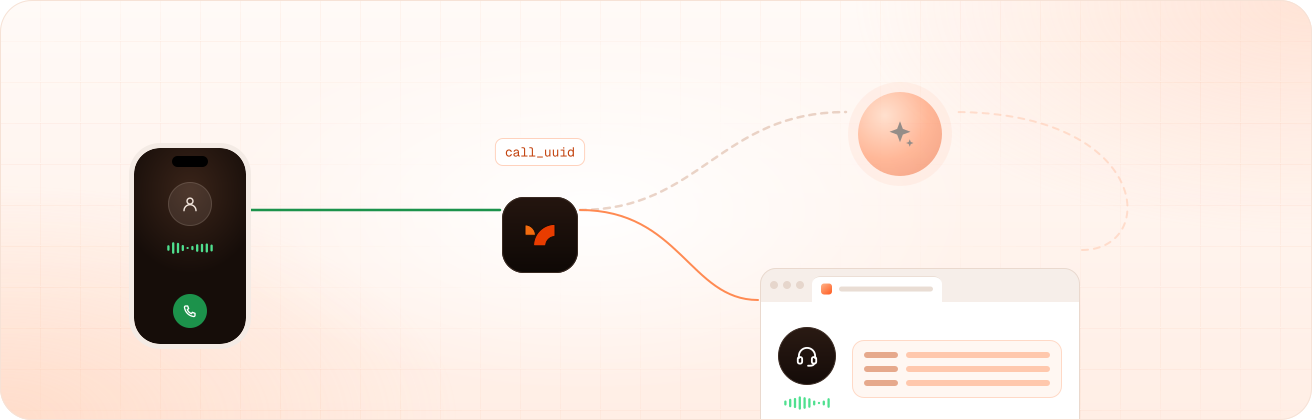

Warm transfer by API
— move the live call to a browser endpoint with one request on its call_uuid.

Context in the SIP headers
— pass a summary of the conversation to the human's tab before they say a word.

Works the other way
— a human in a browser can hand a call back to an agent the same way.
Call control
The same call control API
for browser calls and phone calls
A browser call has a call_uuid like any other Vobiz call, so your server controls it with the Voice API while it is in progress, not only the browser.
Transfer and redirect
— send the call to a new URL or destination mid-call.
POST /Call/{call_uuid}/
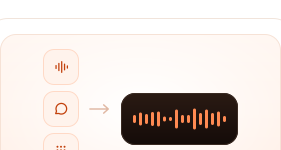
Play, speak and DTMF
— inject audio, text-to-speech or tones into the call.
/Play/·/Speak/·/DTMF/
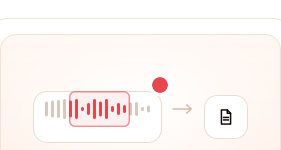
Record on demand
— start and stop recording at any point, retrieve as MP3 or WAV.
/Record/
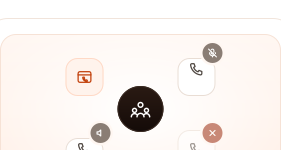
Conference and supervise
— bridge browser and phone participants into one room; mute, deafen or remove each.
<Conference>·/Conference/{name}/Member/
SDKs and clients
WebRTC SDK for web and Android apps
Use the Vobiz JavaScript client in any modern browser, or the Android sample to add calling to a native app. Mute, hold, DTMF and call state are handled in the client; everything else runs on your server through the API.

PlatformWhat to useWhere
Web

vobiz-webrtc-sdk (npm)npm and the Vobiz-RTC-demo repoAndroidVobiz Android sample

Vobiz-Android-Sample repo
Security
Encrypted by default,
with one credential per user
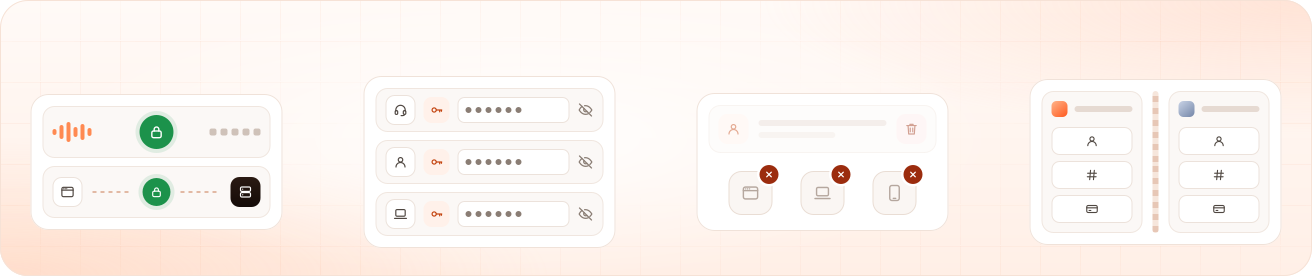

Encrypted media and signalling
— audio is encrypted with DTLS-SRTP, and the browser registers over secure WebSocket.

One endpoint per user
— each agent or customer gets their own credentials. Passwords are write-only and never returned by the API.

Revoke instantly
— delete an endpoint and every device registered to it disconnects at once.

Tenant isolation
— sub-accounts keep each customer's endpoints, numbers and billing separate.
Observability
Know whether a bad browser call was the network, the device or the model
Browser calls get the same 43-field call detail record as phone calls — MOS, jitter, packet loss, negotiated codec, which side hung up and why. Check whether a user's browser is registered by API, filter records per sub-account, or export to CSV.
Call detail records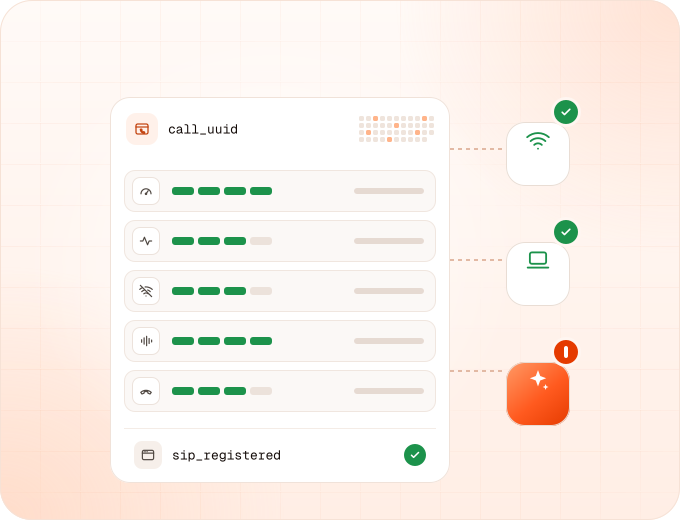
Integrations
Connect browser calls to the agent platform
you already run
A browser call arrives at your Vobiz application like any other call. From there, stream it to your own pipeline or hand it to your agent platform.

PlatformHow a browser call reaches itSetup guide
Pipecat · custom STT–LLM–TTS pipelinesApplication returns

<Stream>; audio over WebSocketAudio streaming docs
Vapi · Retell AI · ElevenLabs AgentsApplication dials the platform over SIP/integrations/vapi-dashboard/·/integrations/retellai-dashboard/·/integrations/

Use cases
What teams build with Vobiz WebRTC




 Get started
Start building your
browser calling today
Create an endpoint, register a browser tab and place your first call.
No sales call, no commitment.


FAQ
WebRTC questions
- WebRTC (Web Real-Time Communication) is an open standard built into modern browsers that lets a web page send and receive live audio without plugins. Audio is encrypted with DTLS-SRTP by default. On its own it connects browsers to each other; reaching a phone number needs a service that bridges WebRTC to the phone network.
- A WebRTC voice API that puts browsers and mobile apps on the phone network. Browsers register as Vobiz SIP endpoints, then make and receive calls to any phone number, with the same call control, recording and call records as the Vobiz Voice API. Vobiz runs the STUN, TURN and media infrastructure.
- A phone number, if people reach the agent by calling. WebRTC, if they reach it from a website or app. Many products need both: an agent that answers a phone number and a call button in the app, on the same account and the same call records.
- If the browser call only ever talks to the agent, your platform's web SDK is the simpler choice. Use Vobiz WebRTC when the browser call has to reach the phone network: dialling a real number, ringing a browser from a phone number, or handing an AI call to a human working in a browser tab.
- Create a SIP endpoint and an application by API, register the browser to registrar.vobiz.ai with the endpoint's credentials using the Vobiz WebRTC Browser SDK (vobiz-webrtc-sdk), then dial the number with a Vobiz number as caller ID. To try it without code, use the WebRTC Playground.
- Attach your Vobiz number to an application whose answer URL returns <Dial> to the browser endpoint's SIP URI. When the number is called, the registered browser tab rings.
- Each browser registers with its own SIP endpoint username and password. Create one endpoint per user from your server, so each person's access can be revoked by deleting their endpoint, which disconnects their devices immediately.
- Yes. Audio is encrypted with DTLS-SRTP, which the WebRTC standard requires, and the browser registers over secure WebSocket.
- Yes. Transfer the live call by its call_uuid to a human's browser endpoint, and pass the conversation context in SIP headers so they pick up informed. The caller stays on the line.
- No. Vobiz runs STUN, TURN relay and NAT traversal, and transcodes browser audio for the phone network.
- Yes. Record from the start with VobizXML, or start and stop at any point over the API, and retrieve recordings as MP3 or WAV.
- Every call detail record has 43 fields, including MOS, jitter, packet loss, codec and hangup attribution, fetchable by call_uuid or exported to CSV. You can also check by API whether a user's browser is registered.
- Modern browsers through the Vobiz WebRTC Browser SDK (vobiz-webrtc-sdk), and Android through the Vobiz Android sample. Any standards-based SIP-over-WebSocket client can also register against a Vobiz endpoint.
- About 10 minutes to a first successful call, or less in the WebRTC Playground, which needs only your account credentials and a Vobiz number.

